

OzBridge
@sena-labs
About OzBridge
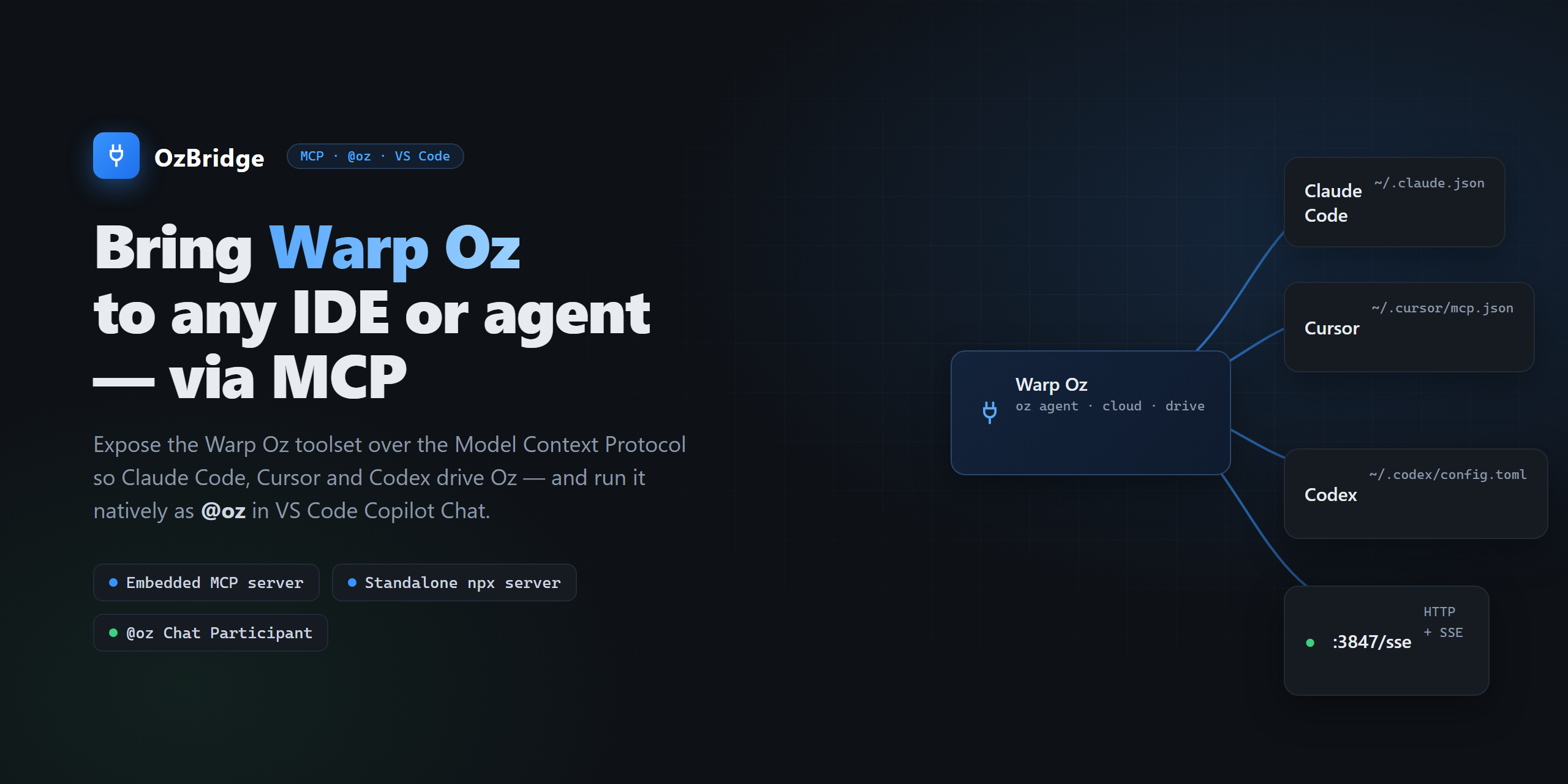
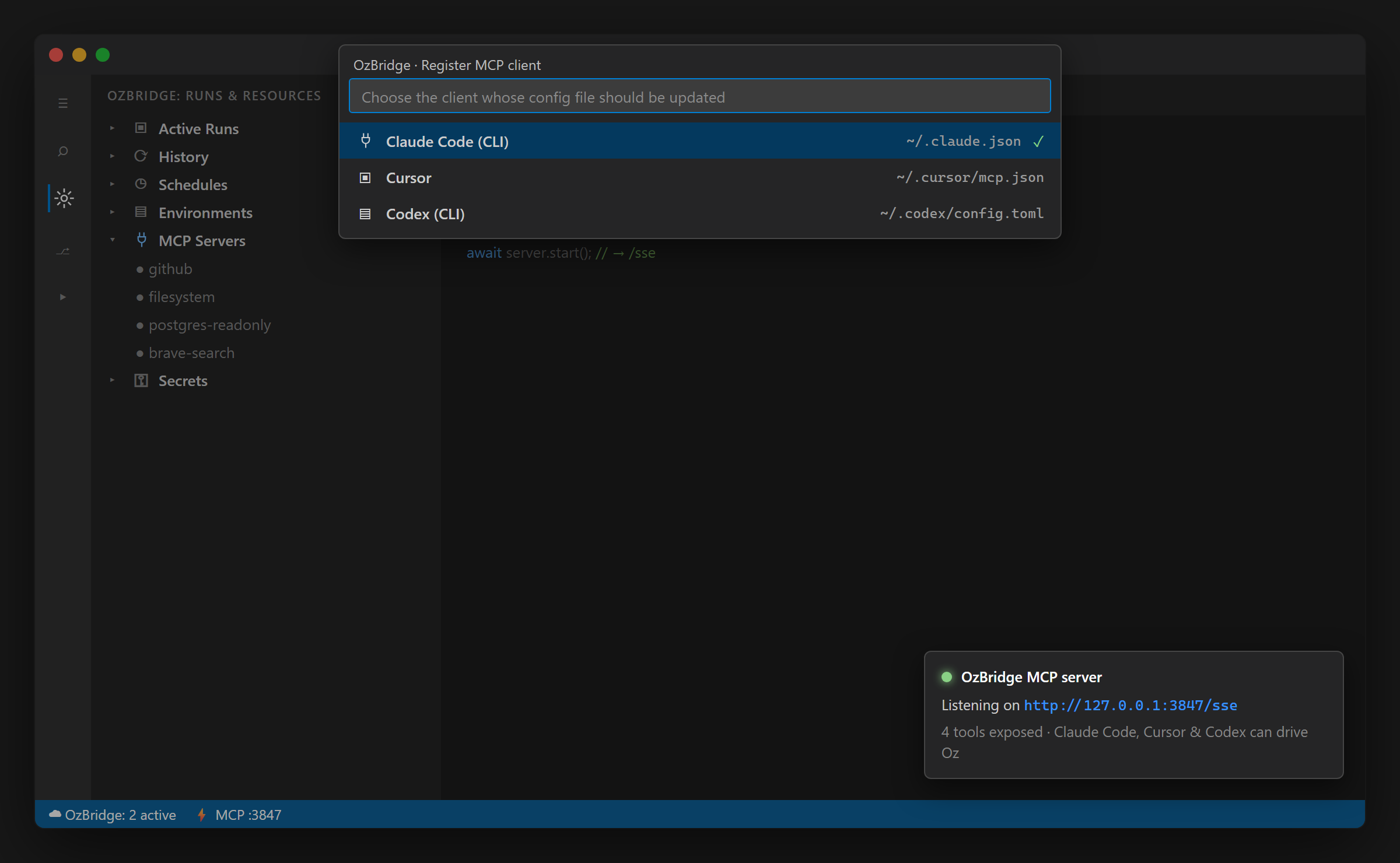
Run Warp Oz agents from any MCP client: Claude Code, Cursor, Codex, VS Code. Six tools over stdio or SSE, driving the documented oz CLI. Standalone, or embedded in the OzBridge VS Code extension. Requires Warp with the o

Config
Add this server to your MCP-compatible client using the configuration below.
{
  "mcpServers": {
    "oz-bridge": {
      "command": "npx",
      "args": [
        "-y",
        "@sena-labs/oz-mcp-server",
        "--stdio"
      ]
    }
  }
}
Tools
No tools detected
We auto-extract tools from the README. The maintainer can list them under a ## Tools heading to populate this section.
Overview
What is OzBridge
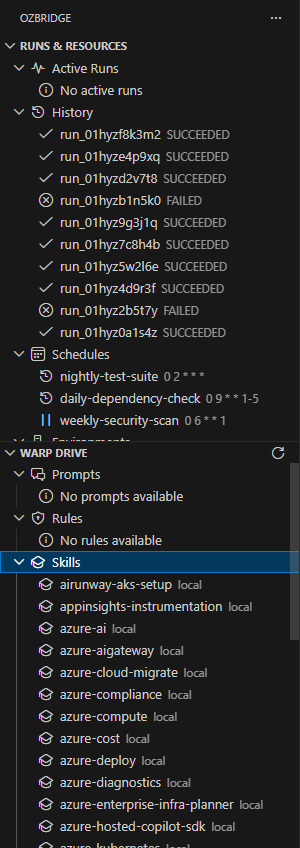
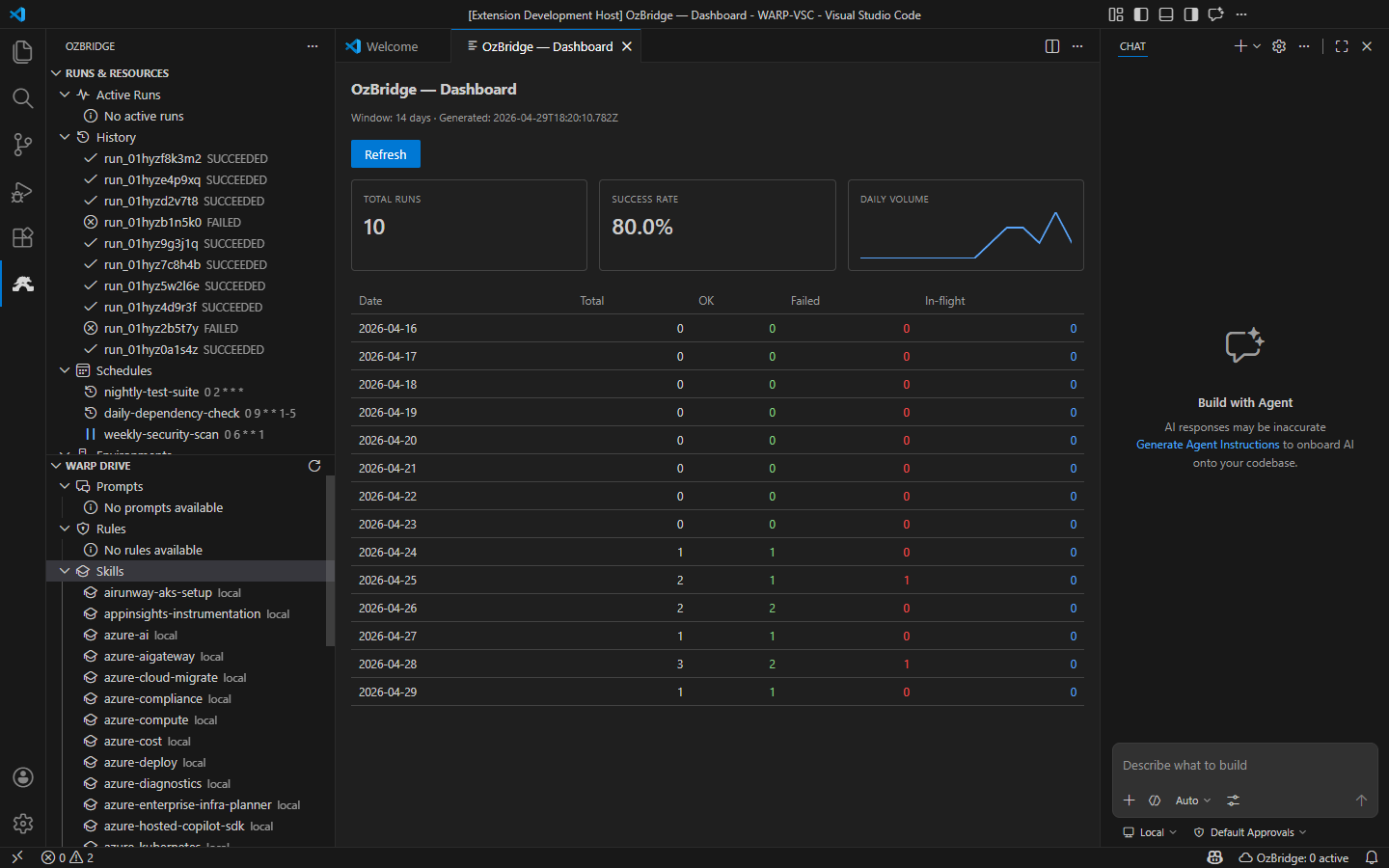
OzBridge brings Warp Oz agents to any MCP client. Run it standalone, or embedded in the OzBridge VS Code extension, where Oz also appears as the @oz chat participant.
Tools
- oz_agent_run - run an Oz agent locally
- oz_agent_run_cloud - launch a cloud run
- oz_run_get - fetch a run status and output by id
- oz_run_list - list recent runs, filtered by status
- oz_list_models - list model ids and the current default
- oz_set_default_model - set the default Oz model
Requirements
Warp installed with the oz CLI on PATH, and a Warp account. A free account is enough for local runs.
Independent project, not affiliated with, endorsed by, or sponsored by Warp.
Basic information

More AI & Agents MCP servers

21st.dev Magic AI Agent
21st-devIt's like v0 but in your Cursor/WindSurf/Cline. 21st dev Magic MCP server for working with your frontend like Magic

MCP Claude Code
SDGLBLMCP implementation of Claude Code capabilities and more

Transform MCP
UnstructuredThe Unstructured Transform MCP Server connects your ADK agent to Unstructured, a document processing platform that turns raw files into structured, AI-ready data. This integration gives your agent the ability to parse PD

Perplexity Ask MCP Server
ppl-aiThe official MCP server implementation for the Perplexity API Platform

1MCP - One MCP Server for All
1mcp-appA unified Model Context Protocol server implementation that aggregates multiple MCP servers into one.
Comments