
What is a #second-brain MCP server?
An MCP server tagged #second-brain implements the Model Context Protocol so AI assistants like Claude, Cursor, and VS Code can access second-brain-related tools, data, or APIs.
Every MCP server and client below is tagged #second-brain — install one to give Claude, Cursor, VS Code, or any other MCP-compatible client access to second-brain tools.

pinkpixel-dev
MindBridge is an AI orchestration MCP server that lets any app talk to any LLM — OpenAI, Anthropic, DeepSeek, Ollama, and more — through a single unified API. Route queries, compare models, get second opinions, and build smarter multi-LLM workflows.

djm81
MCP Server for ChromaDB integration into Cursor with MCP compatible AI models

BaoNguyen09
Providing tools to AI to explore github codebase like agent

SawyerHan-AI
A living second brain that connects everything you think with — your AI agents, your notes, and beyond.
danii1
Memlane is a personal library for links and notes you save from the web. This connector lets agents search your library by meaning, read full saved articles, capture new URLs, create and edit notes, and organize items by project or topic. Sign in once with OAuth; your assistant o

futurebrowser
AwesomeHye
Let AI read, search, and summarize your UpNote notes — and create new ones — right from your chat.
agenerationforwordz-tech
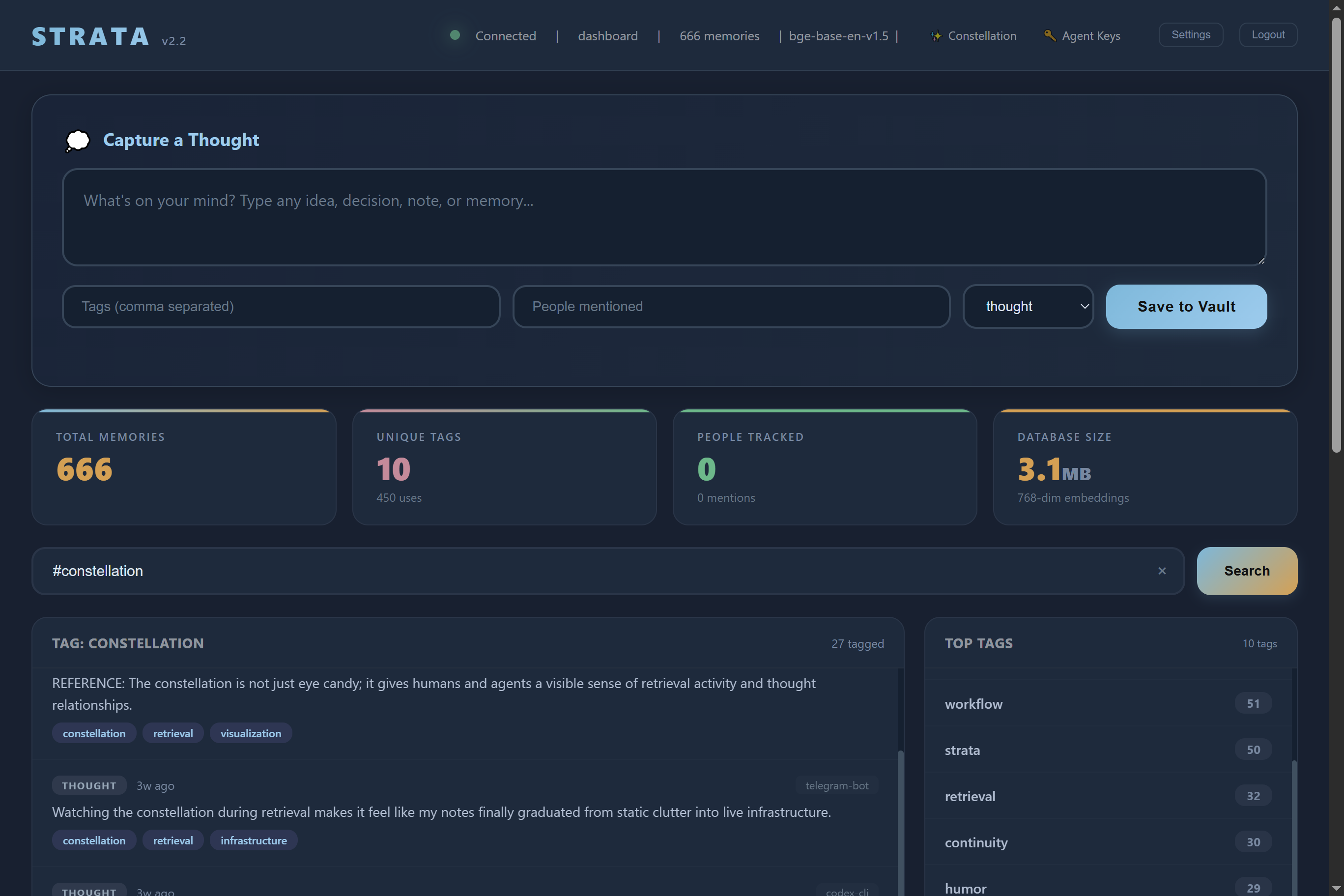
Strata is a self hosted AI memory server. Your AI remembers everything across every session, on your own hardware.
hjarni
Give your AI long-term memory. Hjarni is a note-taking app with a built-in MCP server. Claude and ChatGPT can search, read, create, and organize your notes. Markdown, folders, tags, and custom AI instructions per folder.
Common questions about MCP servers and clients tagged #second-brain
An MCP server tagged #second-brain implements the Model Context Protocol so AI assistants like Claude, Cursor, and VS Code can access second-brain-related tools, data, or APIs.
mcp.so currently lists 9 MCP servers and clients tagged #second-brain.
Open any server below and copy its install snippet into Claude Desktop, Cursor, VS Code, or another MCP client's configuration — remote servers need no separate download.